
Firecrawl gives your AI agents web data and beyond. Search and scrape the web, then access more sources through Alexandria’s library of data providers and specialized indexes. With more data to draw from, your AI agents can dig deeper and find answers that would otherwise stay out of reach. Use Firecrawl through your AI tools or build with our web data API.
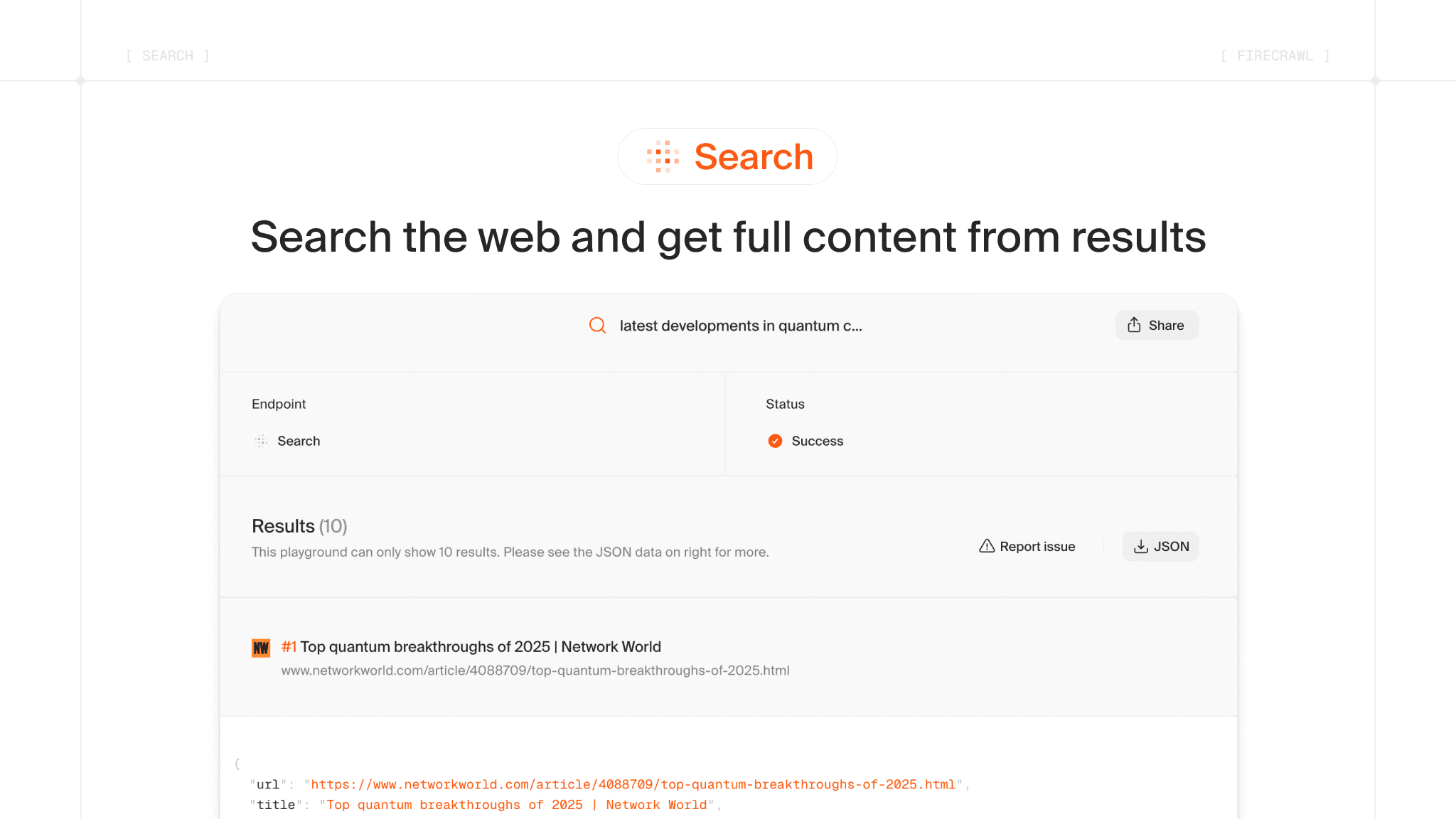
Find fresh, relevant sources from the live web.
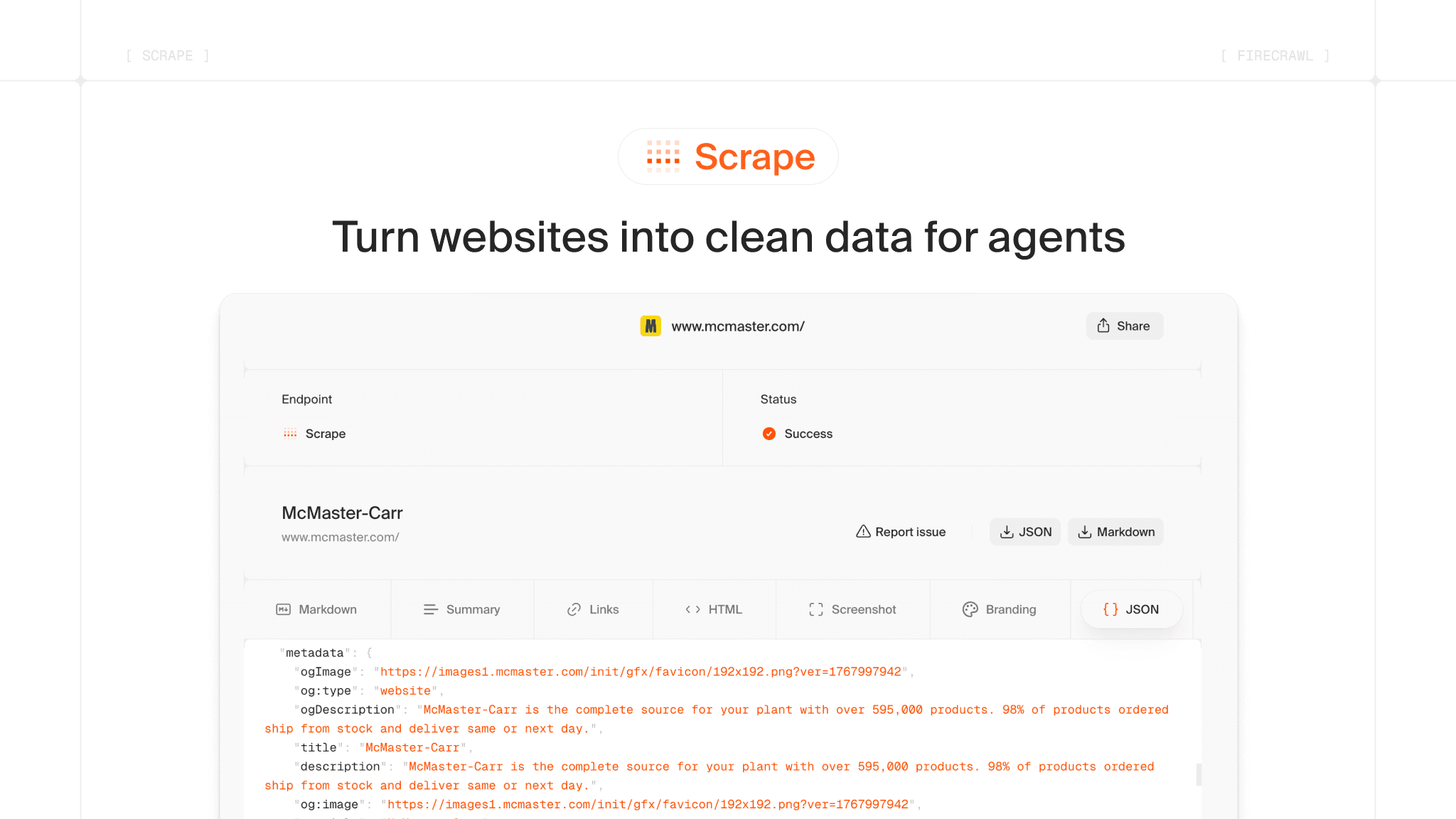
Convert any URL into clean markdown, HTML, structured data, or screenshots - including JS-rendered pages.
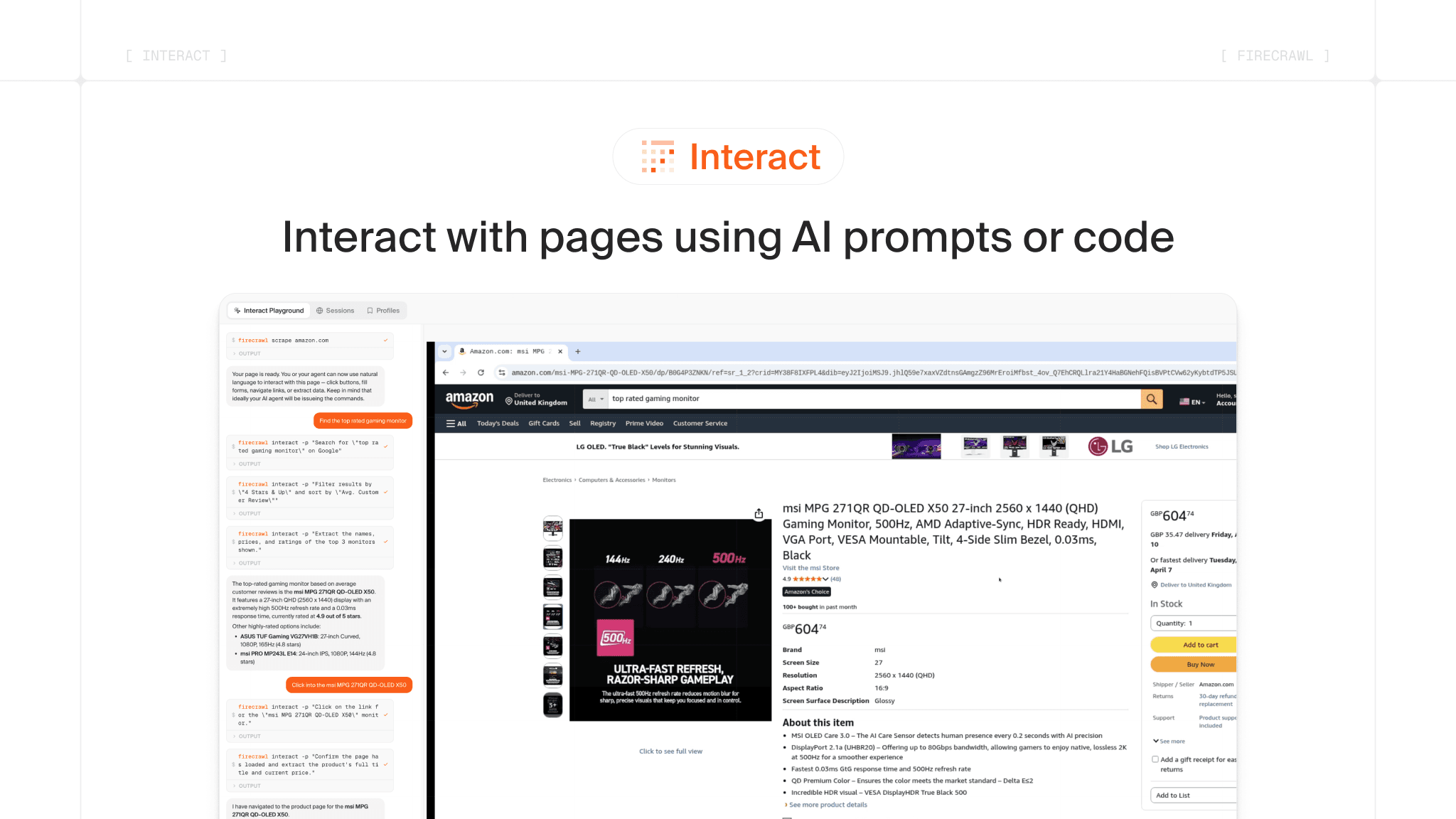
Scrape a page, then interact with it using AI prompts or code.
Run this in your project directory to install Firecrawl and provision a resource. See the Vercel CLI reference for all options.

After installing the integration, your Firecrawl API key will be available as FIRECRAWL_API_KEY in your environment variables.
import { Firecrawl } from 'firecrawl';
const app = new Firecrawl({ apiKey: process.env.FIRECRAWL_API_KEY });
const result = await app.search('what is firecrawl?');
import { Firecrawl } from 'firecrawl';
const app = new Firecrawl({ apiKey: process.env.FIRECRAWL_API_KEY });
const result = await app.scrape('firecrawl.dev');
import { Firecrawl } from 'firecrawl';

const app = new Firecrawl({ apiKey: 'fc-YOUR-API-KEY' });

const result = await app.scrape('https://www.amazon.com', { formats: ['markdown'] });
const scrapeId = result.metadata?.scrapeId;

await app.interact(scrapeId, { prompt: 'Search for iPhone 16 Pro Max' });
const response = await app.interact(scrapeId, { prompt: 'Click on the first result and tell me the price' });

await app.stopInteraction(scrapeId);