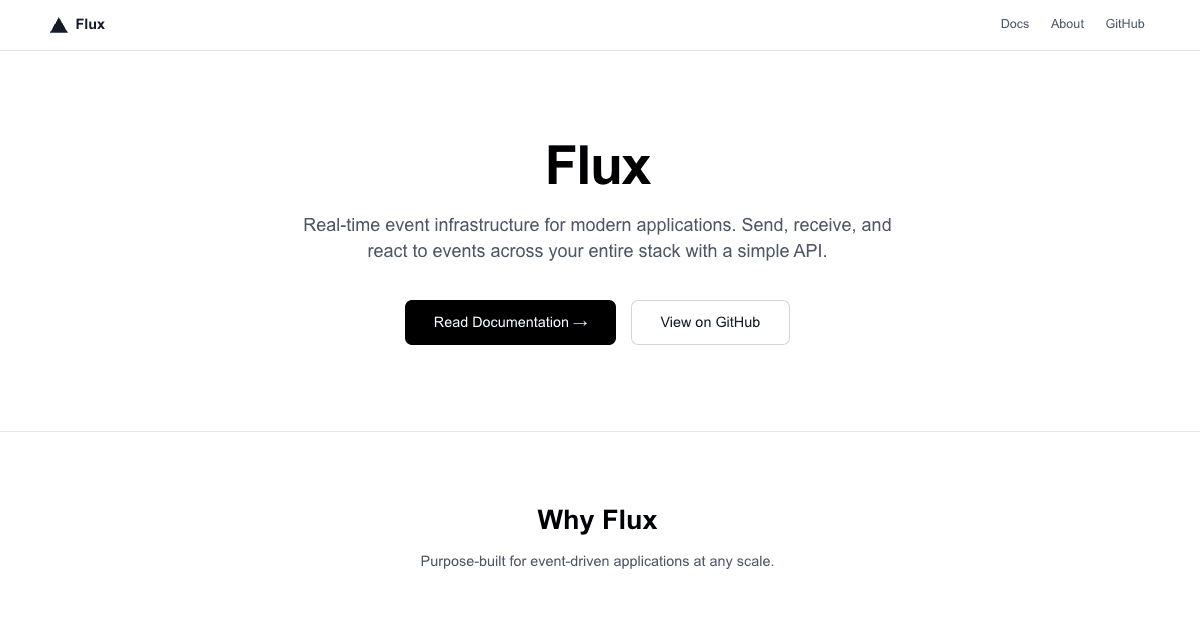
Mintlify docs rewrite (vercel.ts) example
This template demonstrates how to serve Mintlify-hosted documentation from your main domain using Vercel's vercel.ts configuration. Instead of linking to docs.yourdomain.com or an external URL, your docs are seamlessly integrated at /docs on your product site.
The demo shows a fictional product site ("Flux") with docs hosted on Mintlify but served from the main domain for a unified user experience.
Demo
https://mintlify-docs-rewrite.vercel.app/
Visit the docs at /docs to see the Mintlify-hosted site served through the main domain.
How to Use
You can choose from one of the following two methods to use this repository:
One-Click Deploy
Deploy the example using Vercel:
Clone and Deploy
Execute create-next-app with npm or Yarn to bootstrap the example:
pnpm create next-app --example https://github.com/vercel/examples/tree/main/cdn/mintlify-docs-rewriteNext, run Next.js in development mode:
pnpm devEnvironment variables
MINTLIFY_DOCS_URL– Your Mintlify custom domain URL (e.g.,https://your-subdomain.mintlify.dev)
Set this in your Vercel project settings or in a .env.local file.
How it works
- You configure a custom domain in Mintlify (e.g.,
your-subdomain.mintlify.dev) vercel.tsexports a config with rewrite rules that map/docsand/docs/:match*to your Mintlify URL- Vercel applies these rewrites at the edge, transparently proxying requests to Mintlify while preserving the original URL in the browser
- Users visit
yourdomain.com/docsand see your Mintlify documentation as if it's part of your main site
Key benefits
- Better SEO: Docs are on your main domain, not a separate subdomain
- No CORS issues: Content is served from your domain
- Seamless branding: Consistent experience across product and docs
- Simple setup: Just add environment variable and deploy
- Mintlify handles infrastructure: Focus on content while Mintlify manages hosting, CDN, and updates
