Kinde Next.js Starter
A starter template using Next.js and Kinde for authentication. See live demo.
Pre-requisites
1. Create a Kinde account
Create a Kinde account if you don't already have one.
2. Add a back-end application in Kinde
- Go to
Settings > Applications. - Select
Add applicationin the top right. - Give your application a name and make sure you select
Back-end webas the application type. - Select
Save. - In the
Quick startscreen, selectNext.jsas the technology andSave.
3. Create a Vercel account
Create a Vercel account if you don't already have one.
Get your environment variables from Kinde
- In Kinde, go to
Settings > Applications > [Your app] > Details. - Copy the following values in the
App keyssection:DomainClient IDClient secret
Deploy this template
When you click the deploy button below, you will be prompted to fill in the environment variables you copied previously. These are required to successfully deploy this template.
KINDE_ISSUER_URL:Domainvalue.KINDE_CLIENT_ID:Client IDvalue.KINDE_CLIENT_SECRET:Client secretvalue.
After you deploy
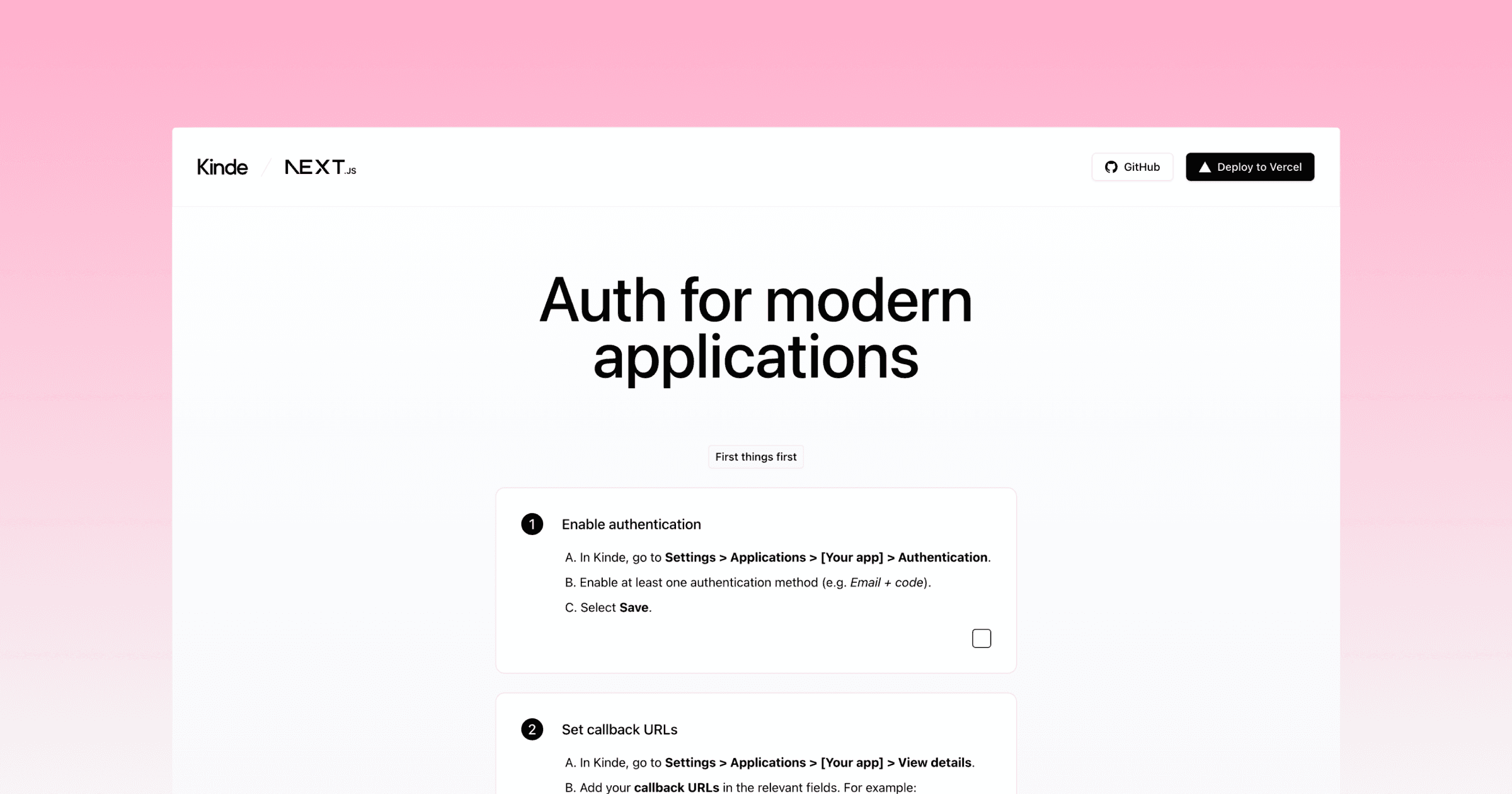
Set callback URLs
[!IMPORTANT] Make sure to replace
[your-vercel-slug]in the code examples below with your Vercel project or team slug, but keep the*(asterisk). More info on wild card callback URLs in Kinde
-
In Kinde, go to
Settings > Applications > [Your app] > View details. -
Add your callback URLs in the relevant fields:
-
Allowed callback URLs:
http://localhost:3000/api/auth/kinde_callbackhttps://[your-vercel-main-production-url].vercel.app/api/auth/kinde_callbackhttps://*[your-vercel-slug].vercel.app/api/auth/kinde_callback-
Allowed logout redirect URLs:
http://localhost:3000https://[your-vercel-main-production-url].vercel.apphttps://*[your-vercel-slug].vercel.app -
-
Then
Save.
Run locally
-
Clone this repository.
git clone https://github.com/kinde-starter-kits/kinde-nexjs-vercel-starter -
Add your callback URLs in the relevant fields for your application in Kinde:
-
Allowed callback URLs:
http://localhost:3000/api/auth/kinde_callback-
Allowed logout redirect URLs:
http://localhost:3000 -
-
Fill in the missing environment variables in
.env.local.example -
Install the dependencies with
npm run install -
Start the development server with
npm run dev