Skip to content
VercelLogotypeVercelLogotype
LoginSign Up

Kinde Next.js Starter

A Next.js authentication starter template using Kinde, TypeScript, and TailwindCSS.

DeployView Demo
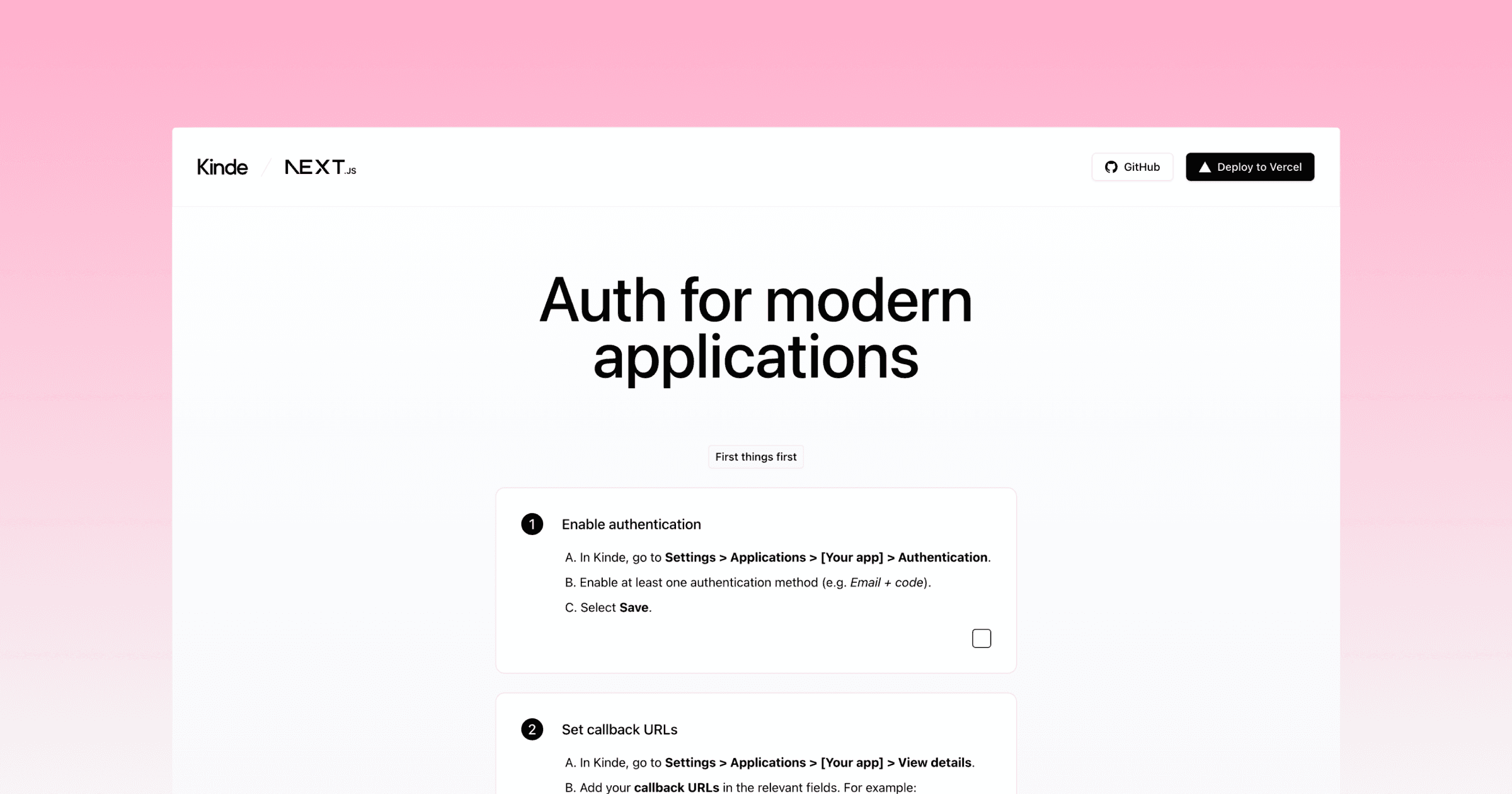
This is an auto-uploaded thumbnail from https://vercel.com/templates/submit.

Kinde Next.js Starter

A starter template using Next.js and Kinde for authentication. See live demo.

Pre-requisites

1. Create a Kinde account

Create a Kinde account if you don't already have one.

2. Add a back-end application in Kinde

  1. Go to Settings > Applications.
  2. Select Add application in the top right.
  3. Give your application a name and make sure you select Back-end web as the application type.
  4. Select Save.
  5. In the Quick start screen, select Next.js as the technology and Save.

3. Create a Vercel account

Create a Vercel account if you don't already have one.

Get your environment variables from Kinde

  1. In Kinde, go to Settings > Applications > [Your app] > Details.
  2. Copy the following values in the App keys section:
    • Domain
    • Client ID
    • Client secret

Deploy this template

When you click the deploy button below, you will be prompted to fill in the environment variables you copied previously. These are required to successfully deploy this template.

  • KINDE_ISSUER_URL: Domain value.
  • KINDE_CLIENT_ID: Client ID value.
  • KINDE_CLIENT_SECRET: Client secret value.

After you deploy

Set callback URLs

[!IMPORTANT] Make sure to replace [your-vercel-slug] in the code examples below with your Vercel project or team slug, but keep the * (asterisk). More info on wild card callback URLs in Kinde

  1. In Kinde, go to Settings > Applications > [Your app] > View details.

  2. Add your callback URLs in the relevant fields:

    • Allowed callback URLs:

    http://localhost:3000/api/auth/kinde_callback
    https://[your-vercel-main-production-url].vercel.app/api/auth/kinde_callback
    https://*[your-vercel-slug].vercel.app/api/auth/kinde_callback
    • Allowed logout redirect URLs:

    http://localhost:3000
    https://[your-vercel-main-production-url].vercel.app
    https://*[your-vercel-slug].vercel.app
  3. Then Save.

Run locally

  1. Clone this repository.

    git clone https://github.com/kinde-starter-kits/kinde-nexjs-vercel-starter
  2. Create a Kinde account.

  3. Create a backend application.

  4. Add your callback URLs in the relevant fields for your application in Kinde:

    • Allowed callback URLs:

    http://localhost:3000/api/auth/kinde_callback
    • Allowed logout redirect URLs:

    http://localhost:3000
  5. Fill in the missing environment variables in .env.local.example

  6. Install the dependencies with npm run install

  7. Start the development server with npm run dev
GitHub
Ownerkinde-starter-kits
Repositorykinde-nextjs-vercel-starter
Use Cases
Starter
Authentication
Stack
Next.js
Tailwind

Related Templates

Clerk Authentication Starter

A modern authentication and user management starter template, built with the Next.js App Router and powered by Clerk.
Clerk Authentication Starter thumbnail

SaaStart: Auth0 + Next.js SaaS Starter Kit

The Auth0 SaaS Starter Kit is a full-stack Next.js application designed to help you get started building B2B SaaS with Auth0 by Okta.
SaaStart: Auth0 + Next.js SaaS Starter Kit thumbnail

Agent Stack

  • AI SDK
  • AI Gateway
  • Sandbox
  • Workflows
  • ConnectNew
  • PassportNew
  • eveNew

Core Platform

  • CI/CD
  • Content Delivery
  • Fluid Compute
  • Observability

Security

  • Platform Security
  • WAF
  • Bot Management
  • Bot ID

Tools

  • Vercel DropNew
  • Vercel Agent
  • Vercel PluginNew
  • Agent Skills
  • Next.js
  • Domains
  • v0

Frameworks

  • eveNew
  • Nuxt
  • SvelteKit
  • Nitro
  • Turborepo
  • Tanstack Start
  • FastAPI
  • xmcp
  • All frameworks

SDKs

  • Vercel SDK
  • Workflow SDKNew
  • Flags SDK
  • Chat SDKNew
  • Queues SDKNew
  • Streamdown

Build

  • AI Apps
  • Web Apps
  • Marketing Sites
  • Platforms
  • Commerce
  • Platform Engineers
  • Design Engineers

Learn

  • Docs
  • Blog
  • Changelog
  • Knowledge Base
  • Academy
  • Articles
  • Community

Explore

  • Customers
  • Marketplace
  • Templates
  • Partner Finder
  • Vercel + AWS

Company

  • About
  • Careers
  • Press
  • Events
  • Startups
  • Shipped on Vercel
  • Open Source Program
  • Enterprise
  • Pricing
  • Help

Legal & Trust

  • Privacy Policy
  • Terms of Service
  • Cookie Policy
  • DPA
  • Acceptable Use Policy
  • Legal (all documents)
  • Trust Center
  • Status

Social

  • GitHub
  • X
  • LinkedIn
  • YouTube
  • Instagram
  • VercelVercel
Agent Stack
  • AI SDK
  • AI Gateway
  • Sandbox
  • Passport
  • Connect
  • eve
Core Platform
  • Security
  • Content Delivery
  • Fluid Compute
  • Observability
  • Workflows
  • CI/CD
Tools
  • Next.js
  • Vercel Agent
  • Vercel Plugin
  • Domains↗
  • v0↗
Learn
  • Docs
  • About
  • Blog
  • Changelog
  • Knowledge Base
Build
  • AI Apps
  • Web Apps
  • Marketing Sites
  • Platforms
  • Commerce
Explore
  • Customers
  • Marketplace
  • Partner Finder
  • AWS
  • Community↗
EnterprisePricing
Contact
Log InSign Up
Dashboard

Products

Agent Stack

  • AI SDK
  • AI Gateway
  • Sandbox
  • Passport
  • Connect
  • eve

Core Platform

  • Security
  • Content Delivery
  • Fluid Compute
  • Observability
  • Workflows
  • CI/CD

Tools

  • Next.js
  • Vercel Agent
  • Vercel Plugin
  • Domains↗
  • v0↗
Resources

Learn

  • Docs
  • About
  • Blog
  • Changelog
  • Knowledge Base

Build

  • AI Apps
  • Web Apps
  • Marketing Sites
  • Platforms
  • Commerce

Explore

  • Customers
  • Marketplace
  • Partner Finder
  • AWS
  • Community↗
Enterprise
Pricing
Sign UpLog In
Contact
DeployView Demo

Loading status…

Select a display theme: